 SongToScore
How it works
Upload a recording
MP3, WAV, FLAC, M4A or OGG, 5 seconds to 8 minutes, up to 200 MiB. Upload a file you have the right to process; links and live recording are not supported.
Turn on melodica adaptation
Choose the lead melody and the 37-key melodica (Yamaha P-37D) adaptation.
Practice phrase by phrase
Follow the highlighted keys, slow down to 50% and loop a phrase until it sits under your fingers.
What you get
Fitted to the instrument
The adaptation keeps the melody within F3–F6 (MIDI 53–89), the range of a 37-key melodica, and is saved as a separate version next to the source score.
Suggested breaths
Breath marks suggest where to take air between phrases; they add no extra beats.
See the keys
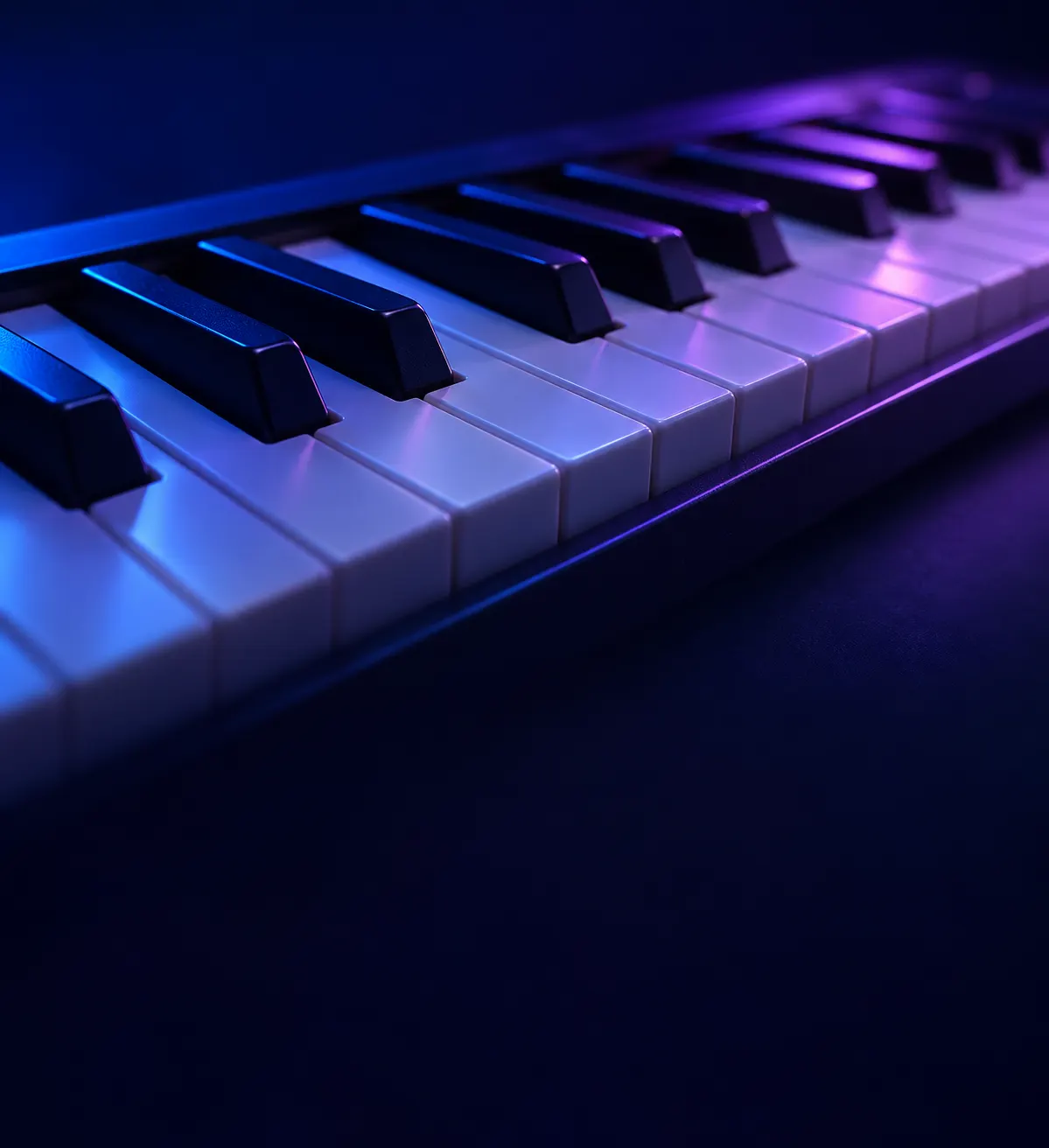
Pick a note to see it on an on-screen 37-key keyboard, including black keys such as F♯.
Good to know
- The first supported melodica is the Yamaha P-37D range; adaptation is optional and off by default.
- Accompaniment parts are not turned into a melodica melody automatically; choose the lead melody goal.
- Automatic results can contain errors; listen and check before relying on them.
Questions
Which melodica does SongToScore support?
A 37-key melodica with the range F3 to F6, such as the Yamaha P-37D. Other instruments can still use the lead melody score without adaptation.
Is the source score kept when I adapt it?
Yes. The melodica version is saved separately and the source score stays unchanged.
Can I try it for free?
Every verified account gets one free preview of an automatically selected segment of up to 60 seconds. Full tracks and PDF, MIDI or MusicXML downloads require a subscription.